
All FAQs
Studio One
Please see the Mic Signal checklist.
There is also a hard copy in the Studio One handbook.
Let me know if you have questions.
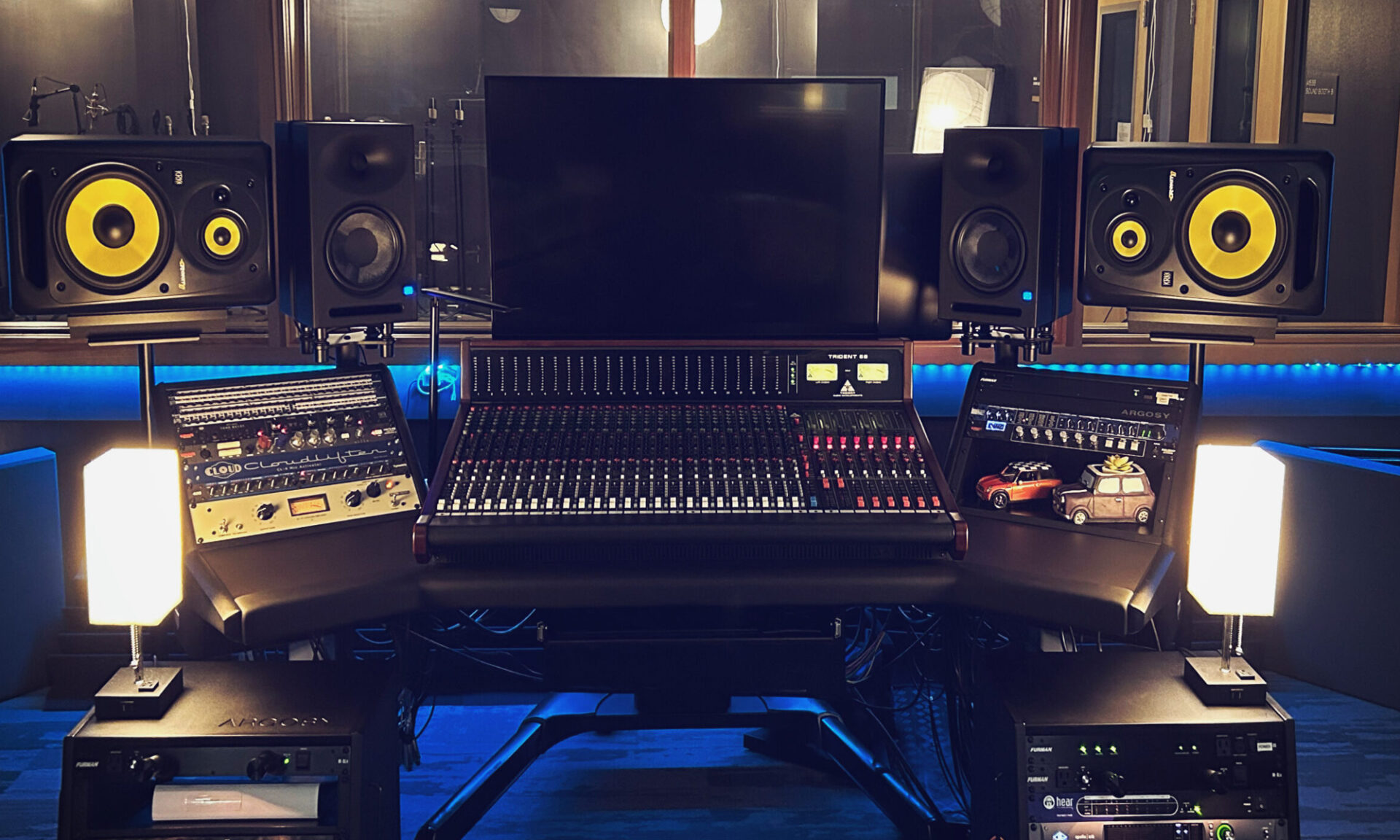
If you have finished your mix and are ready to capture the sound of the Trident 68 and the Apollo converters into a final Stereo File, you need the Mix Print Checklist. This guide covers the specific routing needed to “record” your mix back into Logic Pro while avoiding feedback loops and managing your analog headroom.
Some background info: Why do we call it “Printing” a Mix?
In the modern world of “In-the-Box” mixing, you usually just hit a button called Bounce or Export, and the computer does the work to save a final audio file. In a hybrid studio like ours, we do something called a Mix Print.
- The History: Back in the day, the final mix was played live through the console and recorded (or “printed”) onto a physical piece of 1/4-inch Master Tape. Once it was on the tape, that version of the song was “set in stone” — much like ink printed on a page.
- The Modern Version: Even though we aren’t using tape today, we are still “printing” the sound of the Trident console, the Lexicon effects, and the Warm Audio Bus-Comp back into Logic in real time.
- Why we do it: By “printing” the mix to a new track, you are capturing the unique “soul” of the analog hardware. Once it’s printed, you have a high-resolution stereo file that represents exactly what the console was doing at that moment.
If you want to use the physical outboard gear (like the Lexicon MX200) instead of software plugins, follow the Using Outboard Effects Checklist. This will walk you through using the “Aux Sends” on the console to feed signal from your instrument channel(s) into the hardware and how to properly return those effects back into your mix using the main section on the Triden 68.
Audio
Please see the Mic Signal checklist.
There is also a hard copy in the Studio One handbook.
Let me know if you have questions.
If you have finished your mix and are ready to capture the sound of the Trident 68 and the Apollo converters into a final Stereo File, you need the Mix Print Checklist. This guide covers the specific routing needed to “record” your mix back into Logic Pro while avoiding feedback loops and managing your analog headroom.
Some background info: Why do we call it “Printing” a Mix?
In the modern world of “In-the-Box” mixing, you usually just hit a button called Bounce or Export, and the computer does the work to save a final audio file. In a hybrid studio like ours, we do something called a Mix Print.
- The History: Back in the day, the final mix was played live through the console and recorded (or “printed”) onto a physical piece of 1/4-inch Master Tape. Once it was on the tape, that version of the song was “set in stone” — much like ink printed on a page.
- The Modern Version: Even though we aren’t using tape today, we are still “printing” the sound of the Trident console, the Lexicon effects, and the Warm Audio Bus-Comp back into Logic in real time.
- Why we do it: By “printing” the mix to a new track, you are capturing the unique “soul” of the analog hardware. Once it’s printed, you have a high-resolution stereo file that represents exactly what the console was doing at that moment.
If you want to use the physical outboard gear (like the Lexicon MX200) instead of software plugins, follow the Using Outboard Effects Checklist. This will walk you through using the “Aux Sends” on the console to feed signal from your instrument channel(s) into the hardware and how to properly return those effects back into your mix using the main section on the Triden 68.